What good jukebox software should have
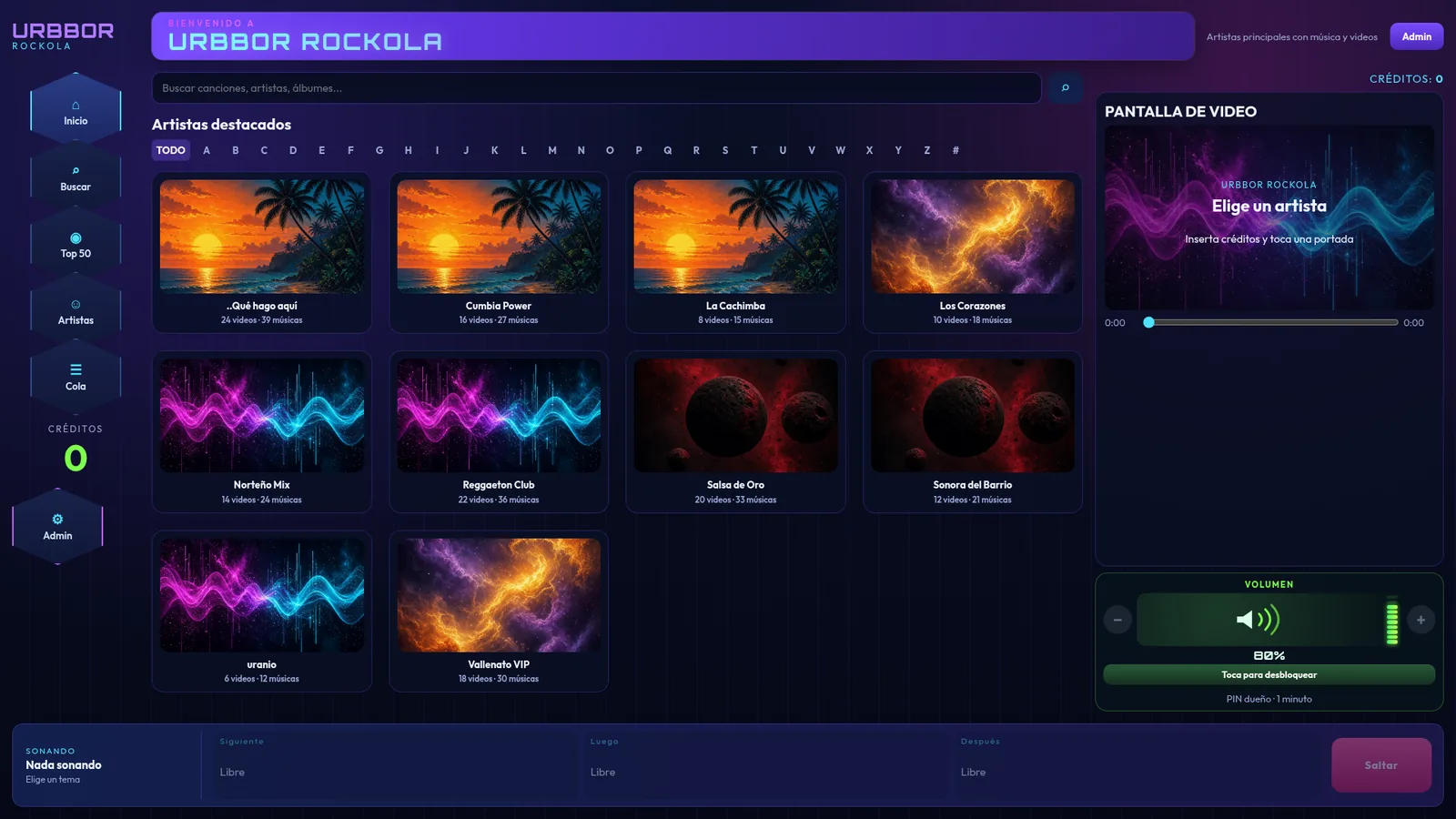
- Built for touchscreens: big buttons, an artist catalog with cover art, search and an A–Z bar.
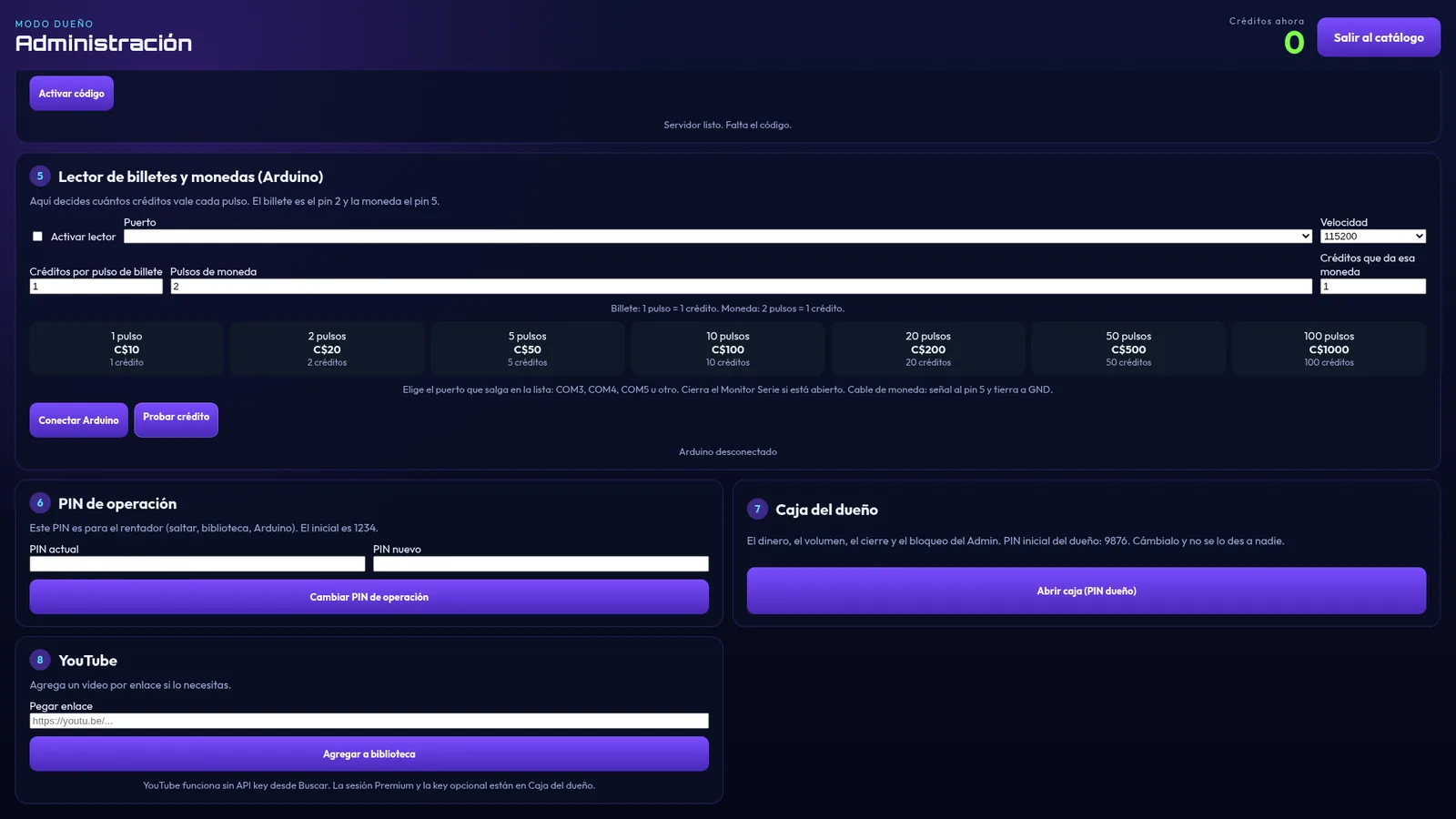
- Automatic payment with a bill and coin acceptor, and separate prices per song, video and skip.
- Cash box and reports: money for the period, breakdown by bill, history and cash-outs.
- Security: an owner PIN separate from the operator PIN, Alt+F4 blocking and auto-start with Windows.
- Built-in YouTube so you don't lose sales when a song is missing.
- Works offline with music from the drive.
- Video screen on a second monitor or TV.
- Background music and promotions when nobody is playing songs.
- Clear licensing: a one-time payment per PC, no surprise monthly fees.
- Real support and the option to brand it with your logo.
How URBBOR ROCKOLA checks every box
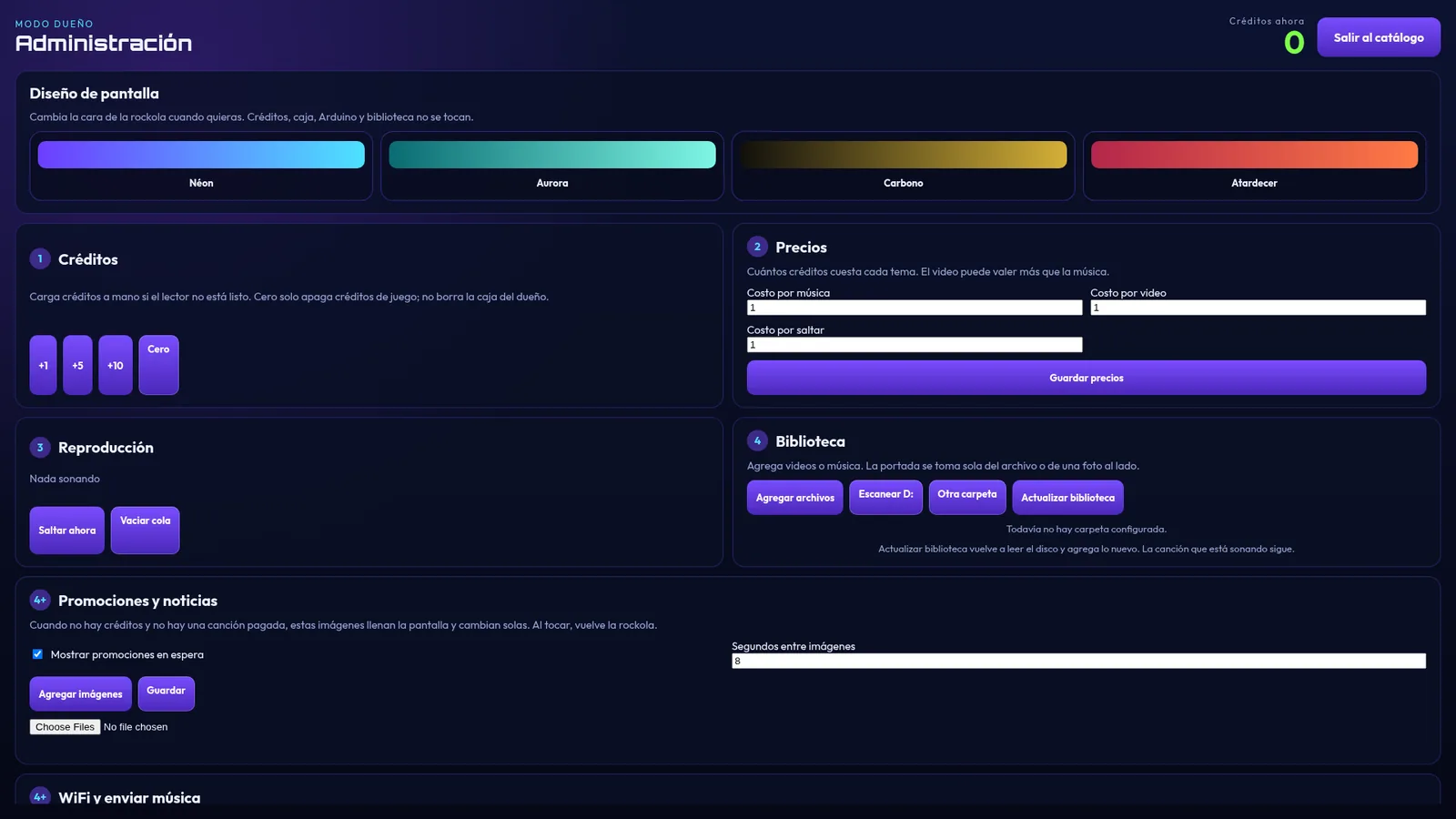
URBBOR ROCKOLA covers all 10: a touchscreen catalog with a Top 50 and the queue in view, bill and coin acceptor support with an Arduino Leonardo, an owner's cash box with its own PIN, two PINs, Alt+F4 blocking, YouTube with no API key, 4 screen themes, a video screen on a second monitor, background music, promotions with your images and music from your phone over Wi-Fi.
The license is a one-time payment per PC and support comes straight from its developer on WhatsApp. If you want the jukebox with your venue's name and colors, we can also build it your way.
Questions to ask the seller
- Is the license a one-time payment or monthly?
- What happens if I change computers?
- Which bill acceptor do I need and how does it connect?
- Can I see what it looks like before buying? (see the real screenshots on each program page)
- Who helps me if something goes wrong?