Why add YouTube to your jukebox
No matter how big your library is, there's always a customer asking for a song you don't have. With YouTube on the jukebox they search for it, pick it and pay for it — and you don't lose that sale.
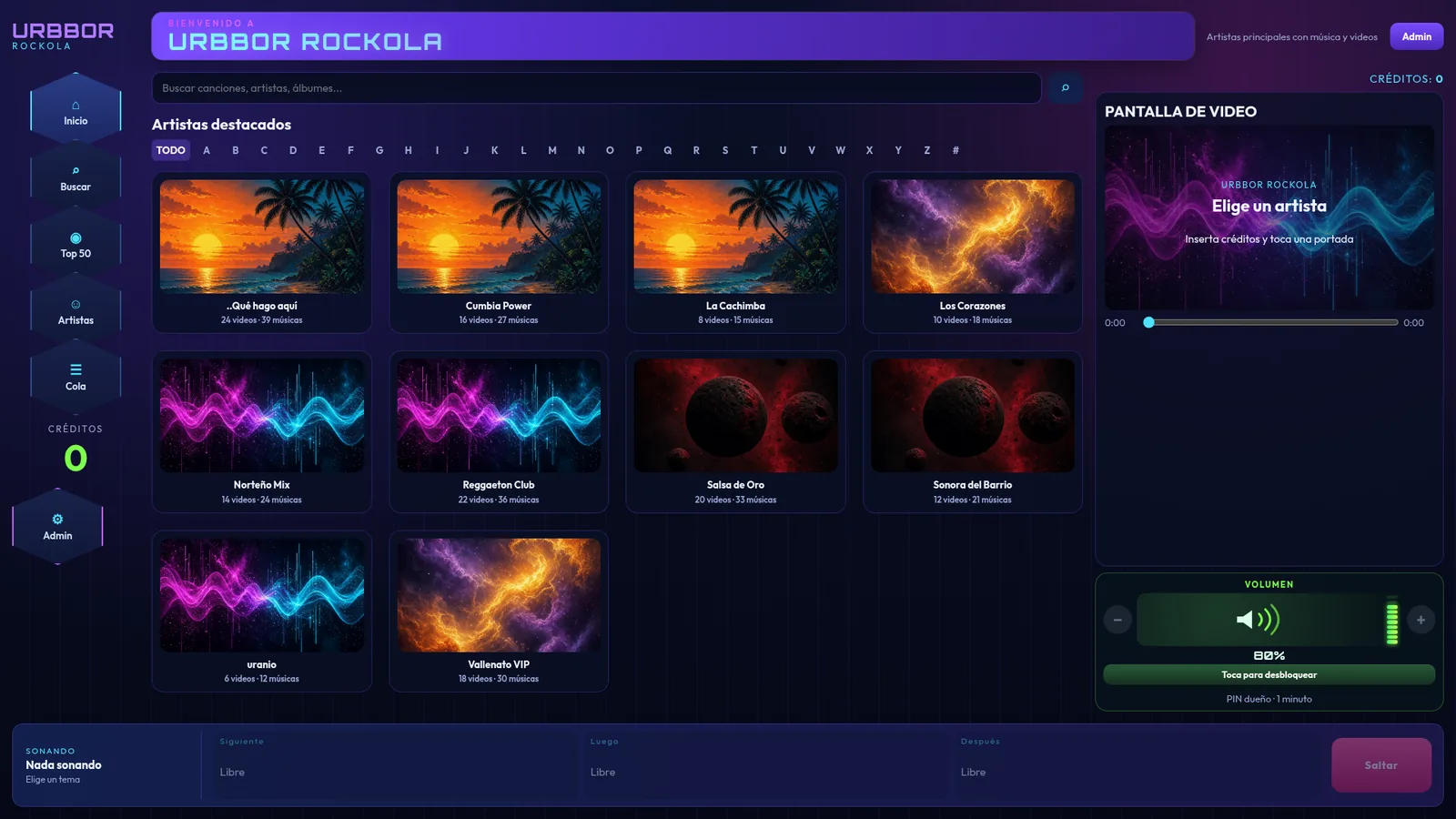
How it works in URBBOR ROCKOLA
- The customer taps the YouTube button in the jukebox search.
- They type the song or artist and pick the video.
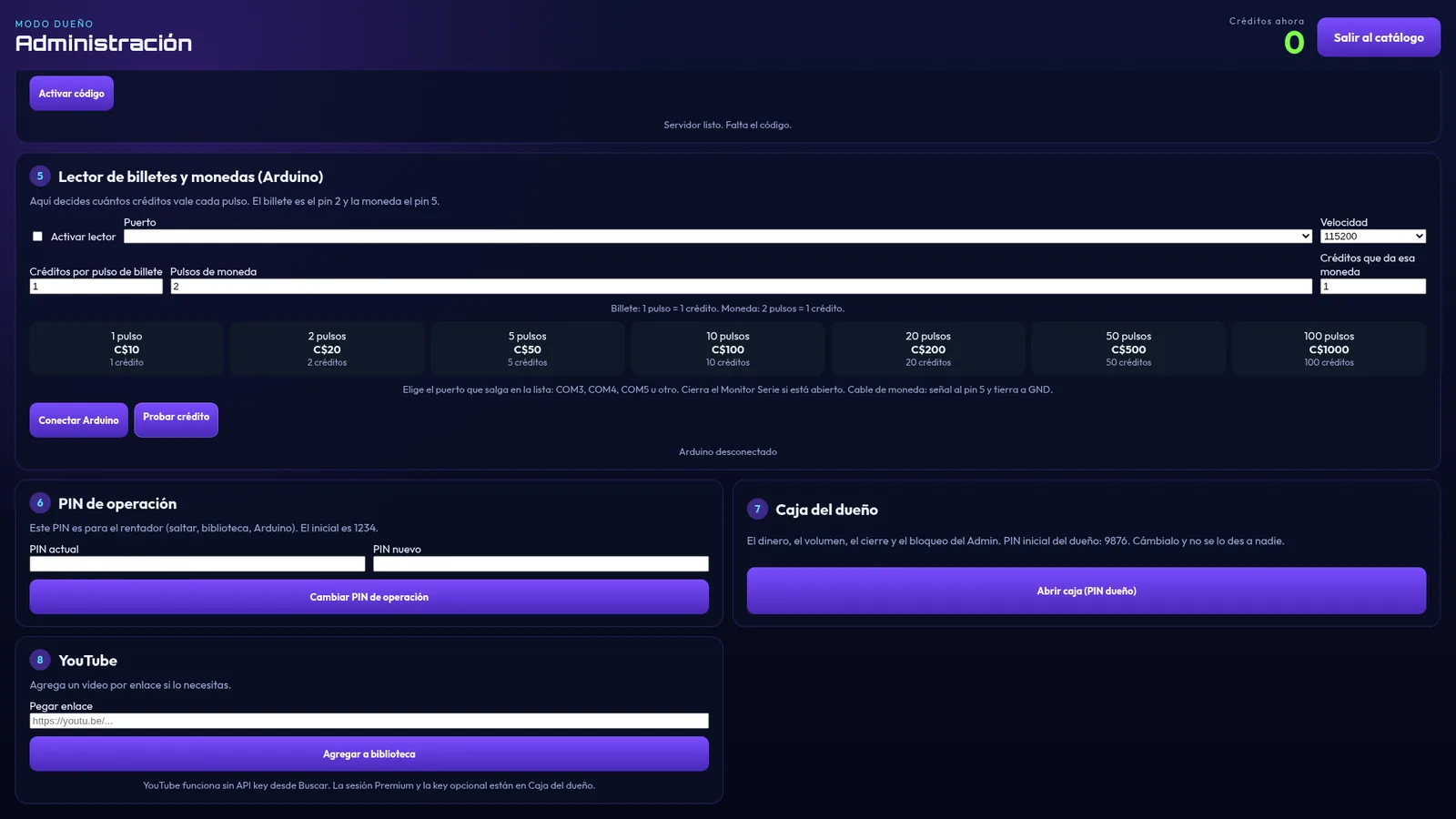
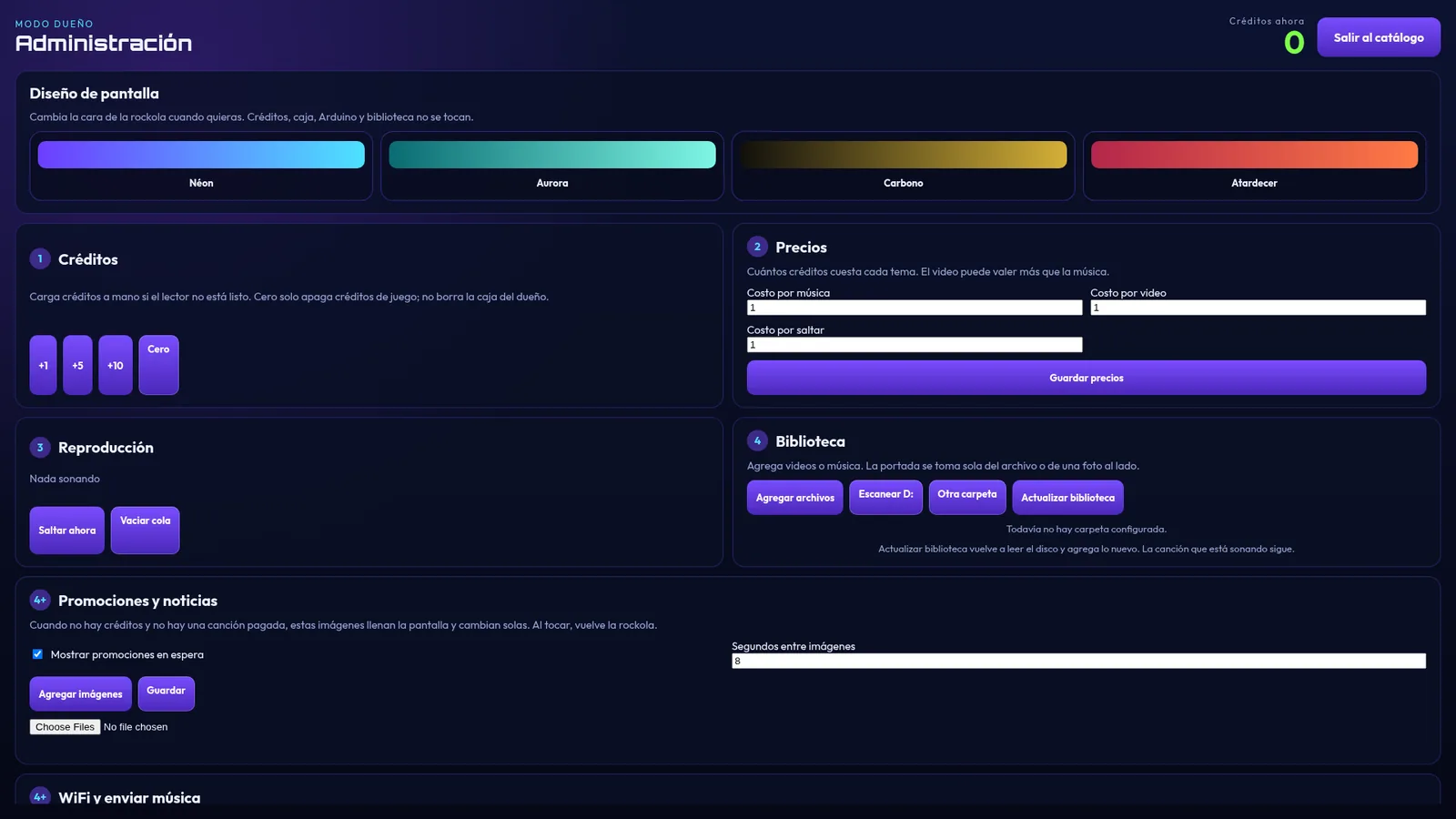
- The video joins the same queue as the songs on the drive and is charged at the price you set for videos.
No API key or complicated setup needed. If you have YouTube Premium, sign in once on the PC and it stays signed in to play without ads.
What you need
- A stable Internet connection at the venue (wired if possible).
- URBBOR ROCKOLA on the jukebox PC.
- Optional: a YouTube Premium account to avoid ads between videos.
- Optional: a second monitor or TV so videos play big.
Drive and YouTube together
The best setup combines both: your library on the drive for the most-requested songs (it works even if the Internet goes down) and YouTube for everything else. When nobody is playing songs, the jukebox can play background music without charging credits.
An important tip
Playing music in a business may require public performance licenses depending on your country (for example, from performing rights organizations). Check what applies where you are.