How payment works
Most bill acceptors and coin mechs for machines have a pulse output: each time they accept a bill or coin they send one or more electrical pulses. An Arduino Leonardo counts those pulses and passes them to the computer over USB.
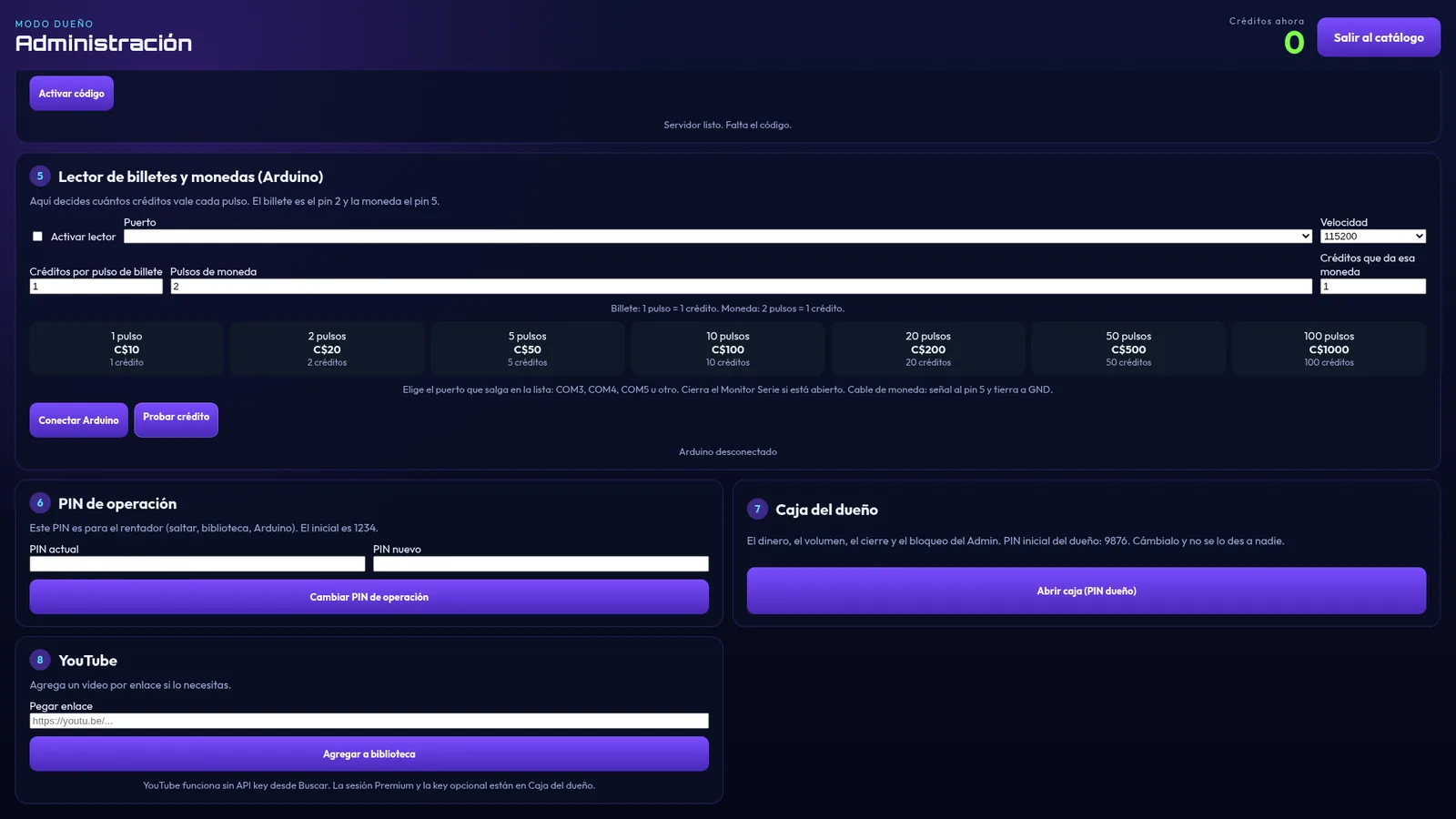
In the jukebox you decide how many credits each pulse is worth. For example, if your acceptor sends one pulse per dollar and a song costs one credit, each dollar is one song.
What you need
- A pulse-output bill or coin acceptor, with its power supply.
- An Arduino Leonardo and a USB cable to the PC.
- The jukebox PC running URBBOR ROCKOLA.
Steps to get it working
- Set the acceptor to pulse mode and note how many pulses it sends for each bill or coin (it's in its manual).
- Connect the acceptor's pulse signal to the Arduino Leonardo, and the Arduino to the PC over USB.
- In the jukebox Admin, choose the Arduino's port.
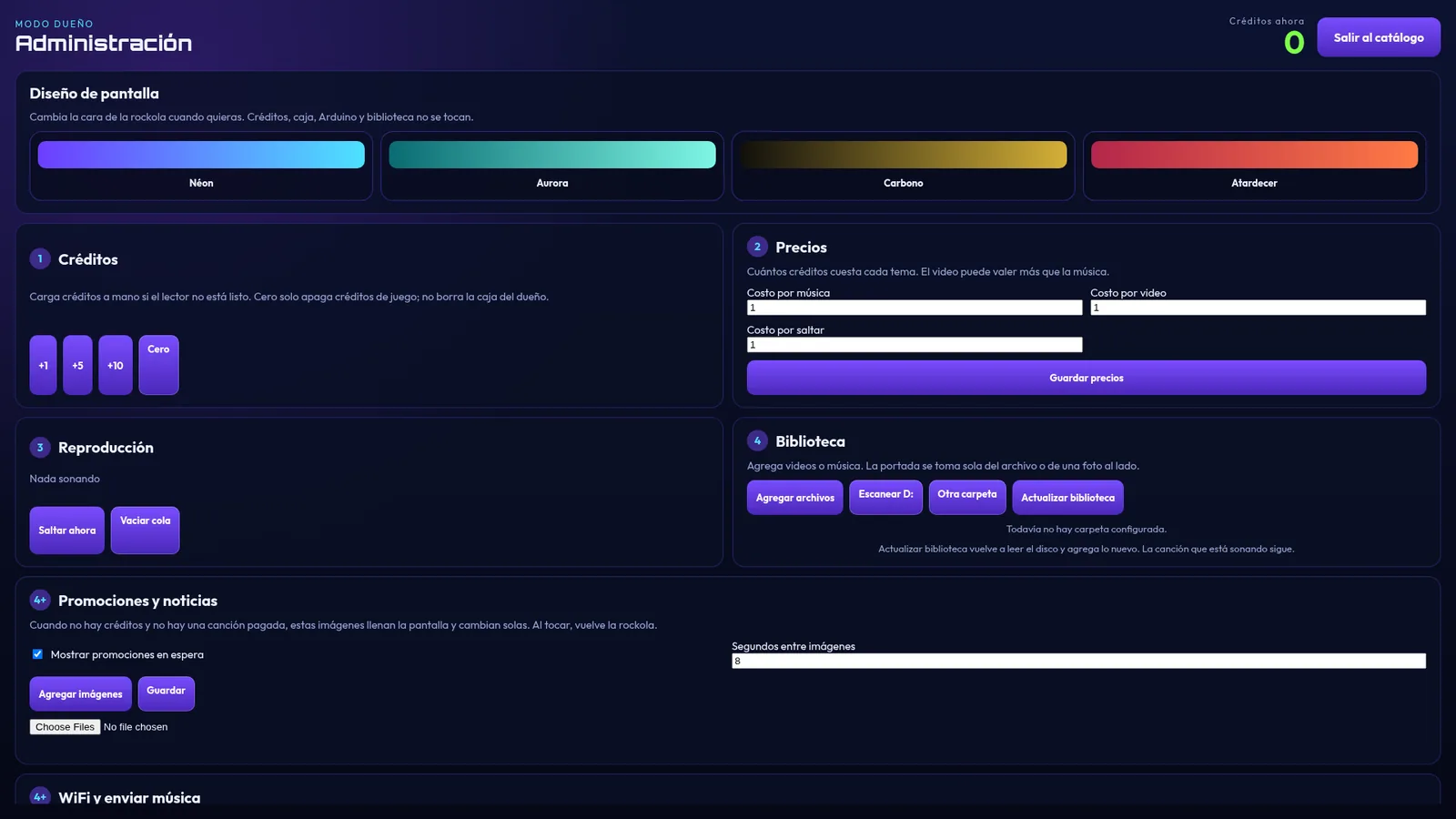
- Set how many credits each pulse is worth and the price of each song, video and skip.
- Test each bill or coin and check that the credits add up correctly.
The owner's cash box
Every credit that comes in is recorded. The owner's cash box, protected by its own PIN, shows the money for the period, acceptor credits, manual credits, a breakdown by bill, history and cash-outs.
If you rent the jukebox out, the renter uses the operator PIN and you keep control with the owner PIN; you can even lock the operator's Admin.
Tips
- Keep the acceptor clean: dust and grease cause rejected bills.
- Check the cash box often and do regular cash-outs to compare with the real money.
- If the acceptor fails, you can keep adding credits manually from Admin.