Music organizer for jukeboxes
Music organizer with automatic cover art
URBBOR ORGANIZER sorts thousands of songs and videos by artist and title, adds real cover art and drops them into your jukebox folder — no manual work.
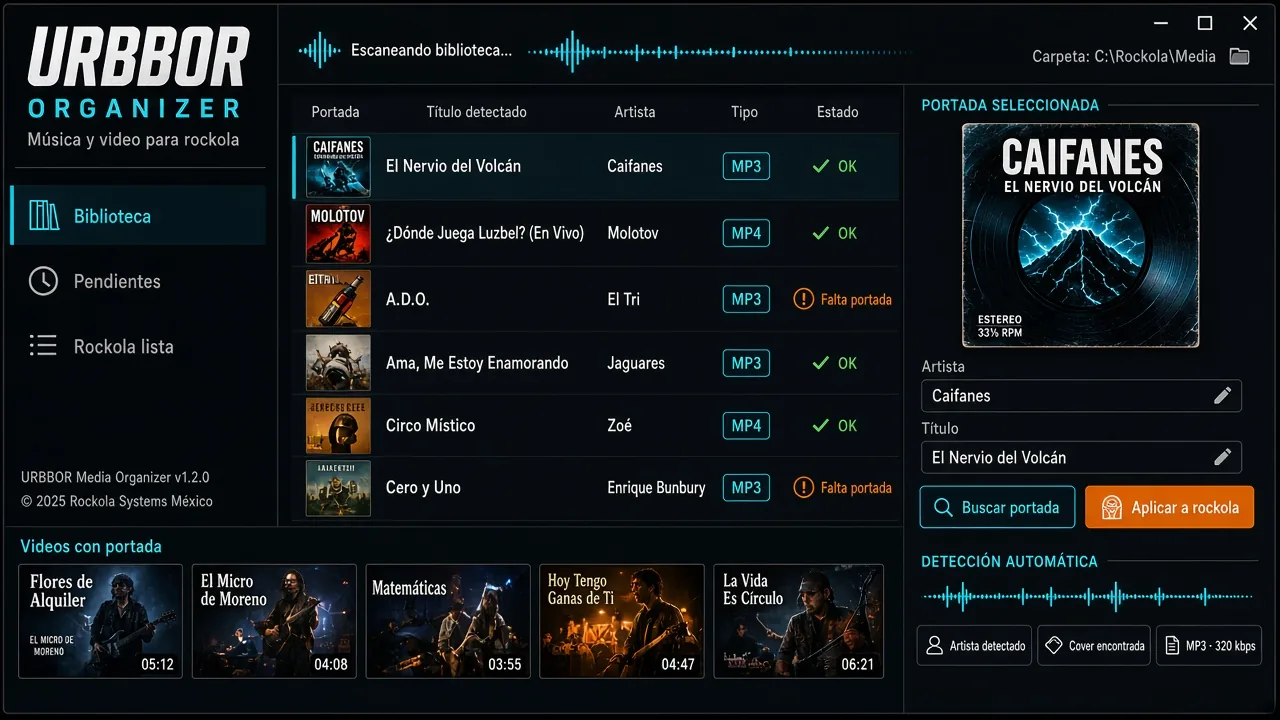

Music organizer for jukeboxes
URBBOR ORGANIZER
Sorts music and videos for your jukebox and adds real cover art automatically.
Official cover image and a screenshot of the real 1.1.0 interface.
- New modern design: dark interface with neon accents, clean and easy to read.
- Made for touchscreens: big buttons, larger text and clear confirmations.
- Scans folders and subfolders and detects artist, title and album from tags, file names and folders.
- Real cover art: embedded art, an image next to the file, online artwork (iTunes) or a frame from the video.
- You choose move or copy and the jukebox folder. Nothing moves until you press “Apply to jukebox”: files end up in Music\Artist\Song and Videos\Artist\Song with a .jpg.
- Fix artist and title and the change reaches the jukebox: the file and its cover move to the right artist folder.
- Music from your phone over PIN-protected Wi-Fi (reception is opened and closed from the PC) or over USB.
- Removes duplicates permanently (not to the Recycle Bin) and keeps a log of what was deleted.
The problem it solves
Jukebox libraries grow fast and get messy: files named “track01.mp3”, artists spelled three different ways, duplicate songs and tracks with no cover. On a touchscreen that looks bad and customers can't find what they want.
The organizer fixes it in minutes and puts every track in its place, with its cover.
How it works
- Scans your music and video folders and subfolders.
- Detects artist, title and album from tags, file names and folders.
- Finds the cover: embedded art, an image next to the file, online artwork (iTunes) or a frame from the video.
- You review and fix anything you want; nothing moves yet.
- Press “Apply to jukebox”: everything ends up in Music\Artist\Song and Videos\Artist\Song with a .jpg.
A perfect match for URBBOR ROCKOLA
URBBOR ROCKOLA takes the cover from the file or from an image next to it — exactly how the organizer leaves it. Fix an artist and the file and its cover move to the right folder, and the change reaches the jukebox.
Frequently asked questions
Does it delete or move my files without asking?
No. Nothing moves until you press “Apply to jukebox”, and you can choose copy instead of move. Duplicates you choose to remove are deleted permanently (not to the Recycle Bin) and a log is kept.
Where does the cover art come from?
From art already embedded in the file, an image next to it, online artwork (iTunes) or, for videos, a frame from the video.
Does it work with videos too?
Yes. It sorts music and videos, each in its own folder by artist.
Can I send music from my phone?
Yes, over PIN-protected Wi-Fi (reception is opened and closed from the PC) or by USB cable.
Is it touchscreen friendly?
Yes. Big buttons, larger text and clear confirmations.
Related guides
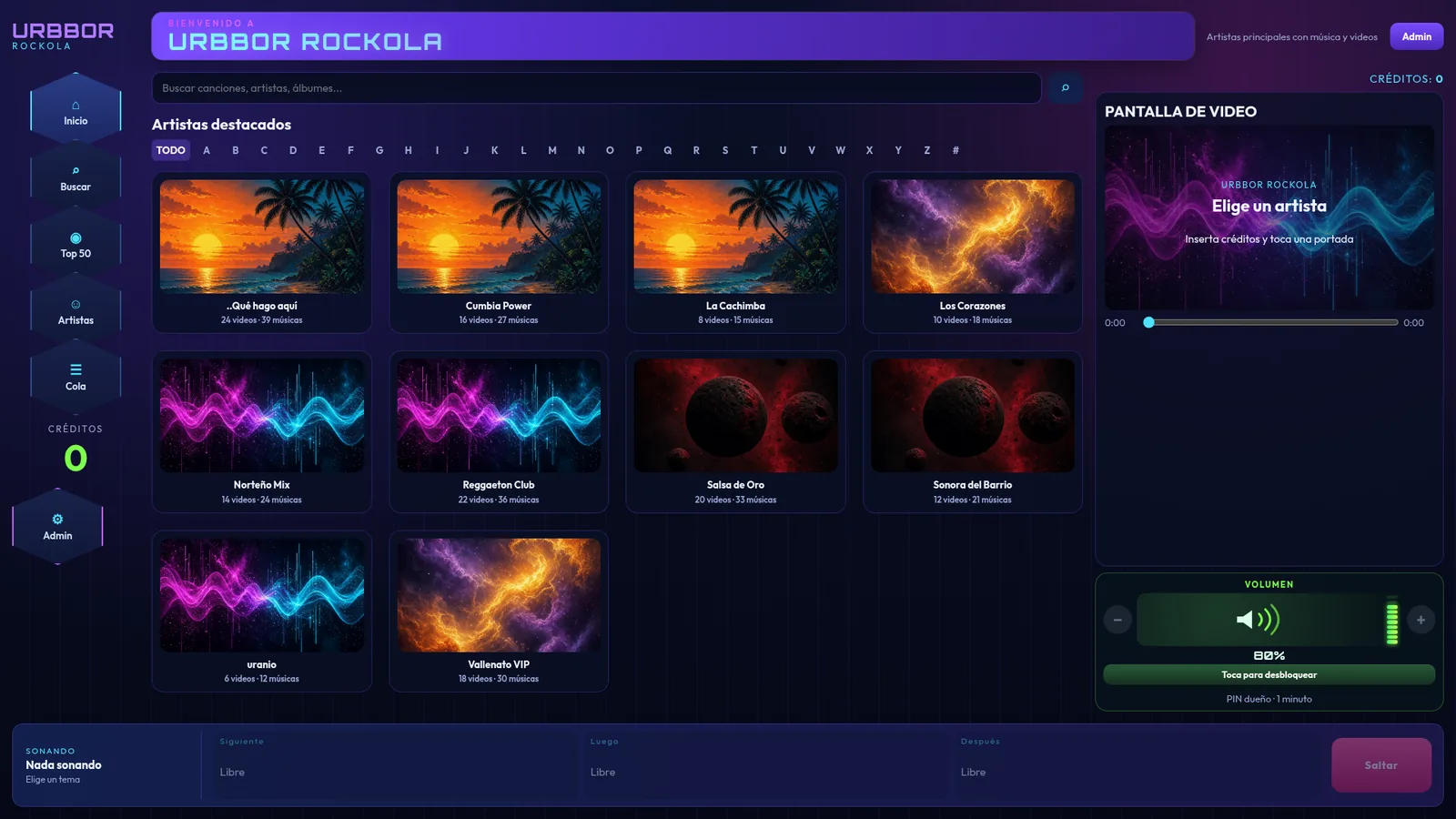 How to build a digital jukebox, step by stepGuide to building a touchscreen digital jukebox for a bar: which PC and screen to use, sound, bill acceptor, jukebox software, music and pricing setup.Read guide →
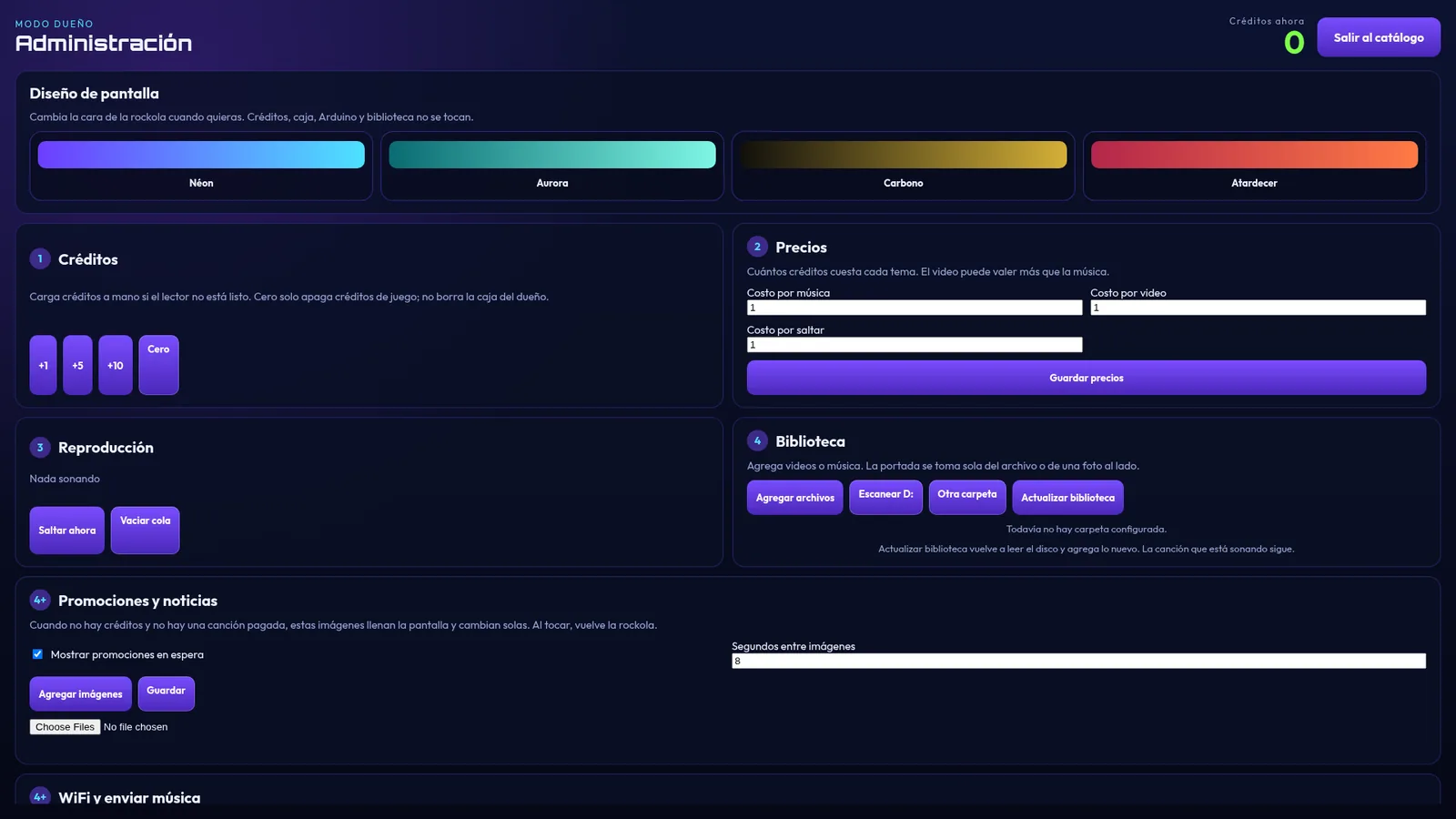 How to choose jukebox software for your bar: 10 key pointsWhat to check before buying jukebox software: touchscreen, bill acceptor, cash box and reports, PINs, YouTube, video, one-time license and support.Read guide →
Other URBBOR programs
 URBBOR ROCKOLATurn a touchscreen PC into a digital jukebox for bars and businesses that takes the money for you: music and videos from your drive, YouTube, credits, and a bill and coin acceptor.$349 USD · See program →
 URBBOR DJDJ software with two decks, effects, a mic input, recording, and an announcer with a Mexican-Spanish neural voice that talks for you.$150 USD · See program →
Ready to get started?
Message us on WhatsApp and we'll help you choose, install and activate your program.