1. The computer
Inside, a digital jukebox is a Windows PC. A desktop or a mini PC works, as long as it runs 64-bit Windows 10 or 11. As a reference, a mid-range processor, 8 GB of RAM and an SSD make a fast, stable jukebox.
For music, ideally use a second drive (for example D:) just for songs and videos. That way you can swap or back up the library without touching Windows.
2. The touchscreen
The screen is what customers see. A 19–32 inch touchscreen is the most common choice in bars. If you also want big videos, connect a second monitor or TV: the program uses the touchscreen for picking songs and the other screen for video.
3. Sound
Connect the PC's audio output to powered speakers or an amplifier. In larger venues, a small mixer lets you adjust volume without touching the computer. The program also controls volume and closing time.
4. Payments: bill or coin acceptor
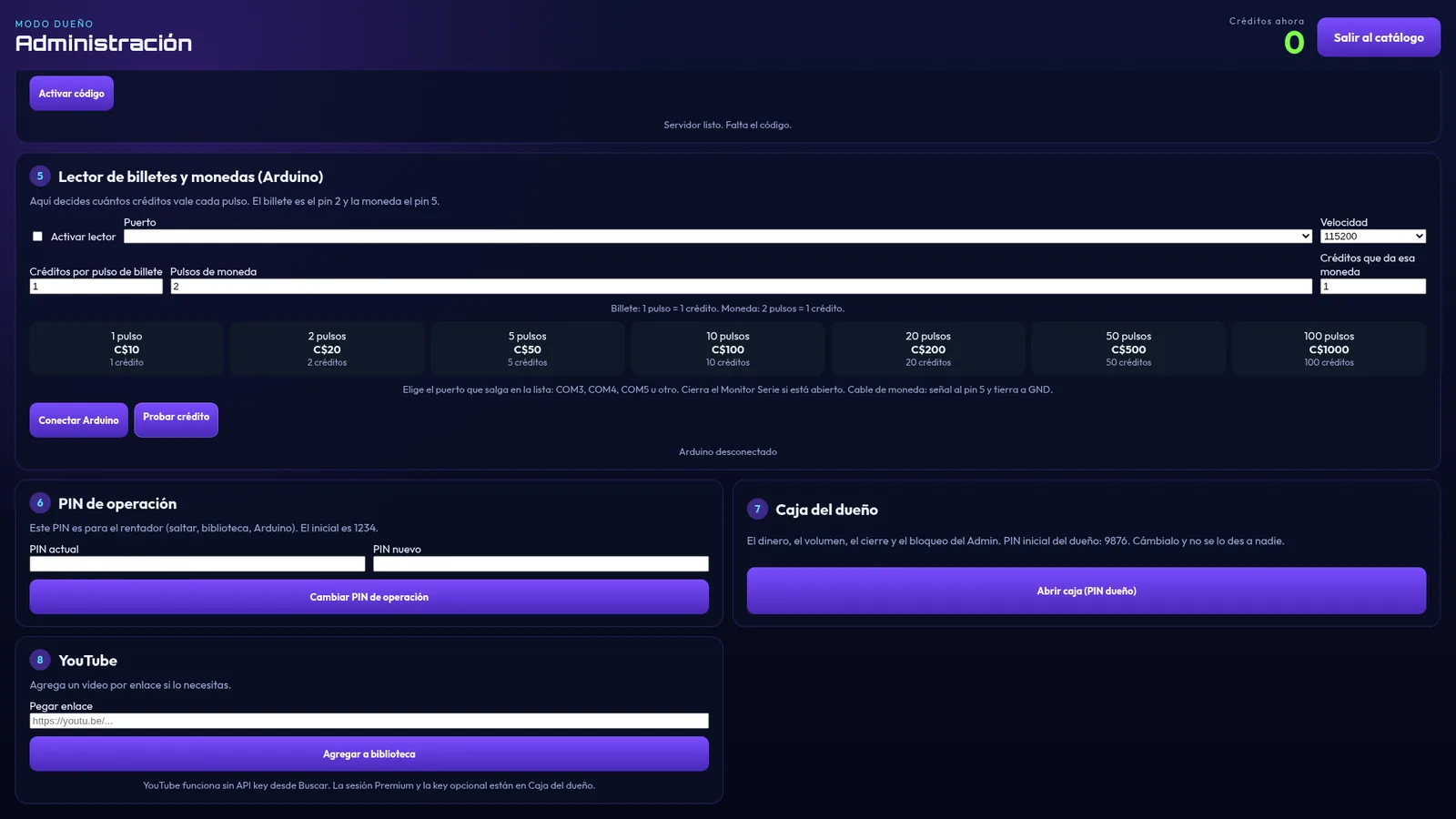
To collect automatically you need a pulse-output bill or coin acceptor and an Arduino Leonardo that passes the pulses to the PC over USB. Each pulse is worth the credits you choose. See how to connect a bill acceptor to a jukebox.
If you don't have an acceptor yet, you can add credits manually from Admin in the meantime.
5. The jukebox software
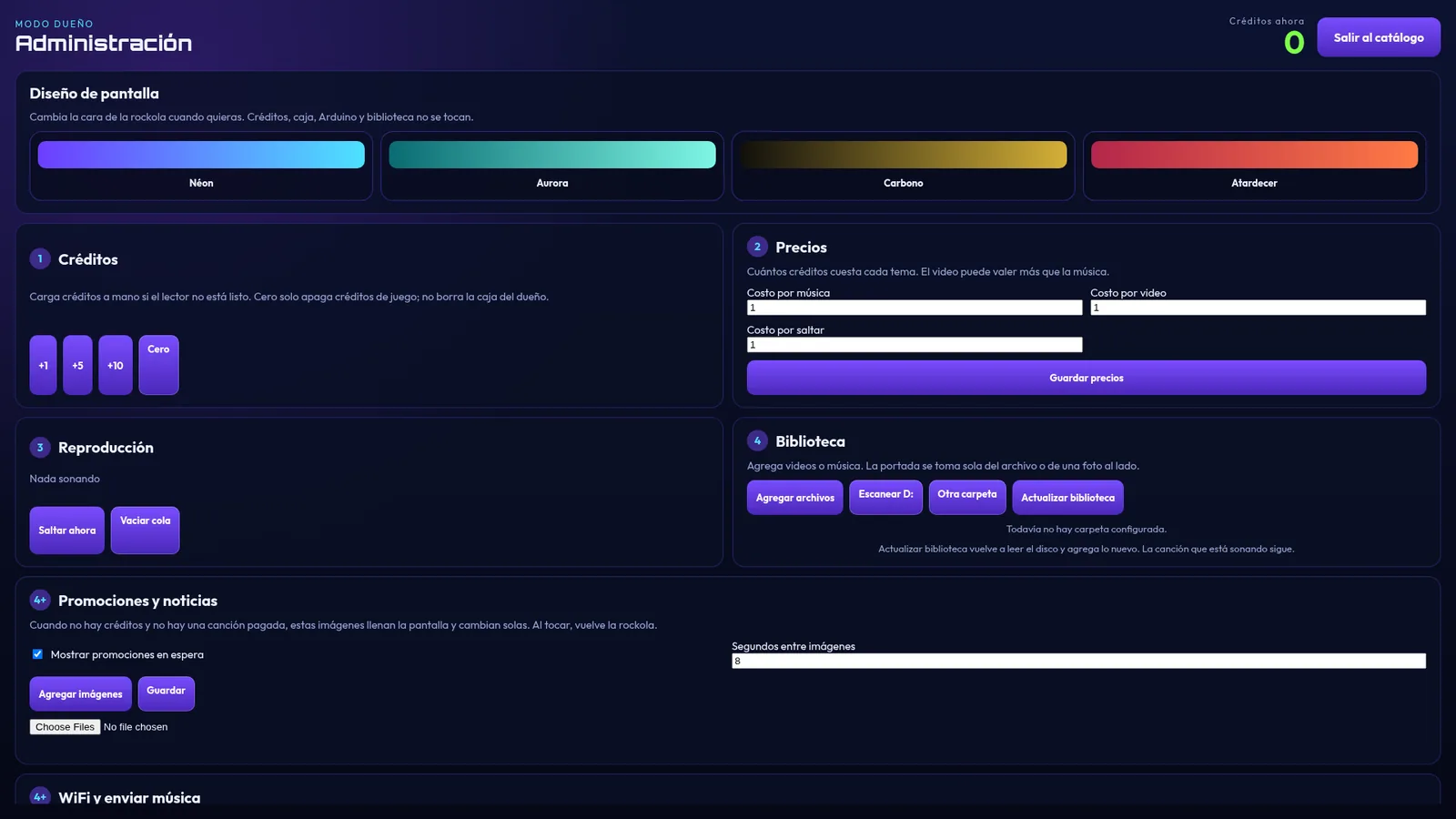
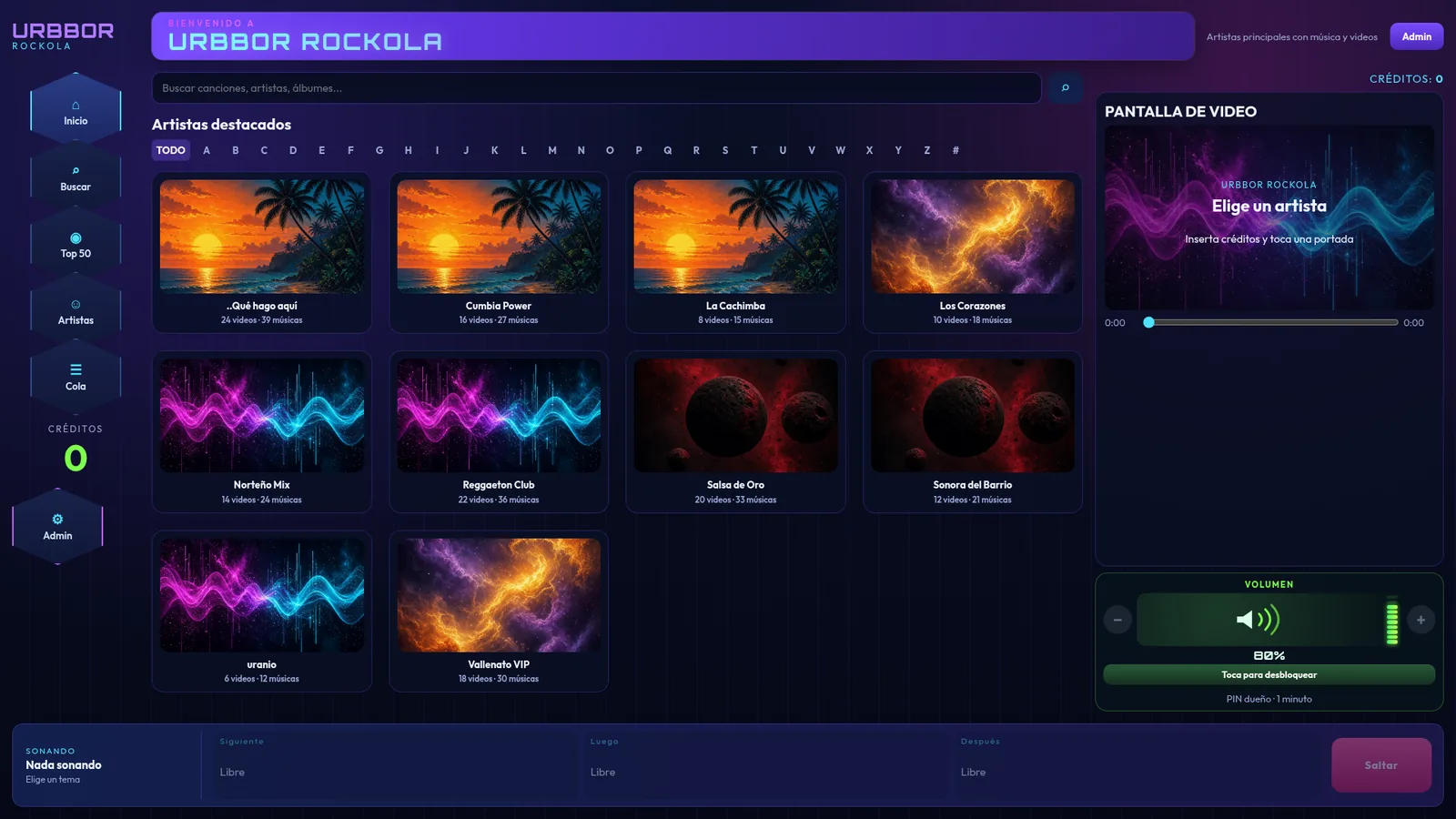
The software is what turns the PC into a jukebox. With URBBOR ROCKOLA you get a touchscreen catalog by artist with cover art, search, a Top 50, built-in YouTube, credits and pricing per song, video and skip, an owner's cash box with PIN, and background music and promotions when nobody is playing songs.
Install it, activate it with your PC code and it's ready to start automatically every time the computer turns on.
6. Music and videos
Copy your music and videos to the jukebox drive. For a professional look, every track should have its artist, title and cover. URBBOR ORGANIZER does it automatically: sorts by artist, adds real cover art and removes duplicates.
You can also send songs from your phone over Wi-Fi and they're saved straight to the jukebox drive.
7. Set prices and security
- Decide how much a song, a video and a skip cost.
- Set an operator PIN and an owner PIN, with its own cash box and cash-outs.
- Turn on Alt+F4 blocking and auto-start with Windows.
- Add promotions with your own images for when the jukebox is idle.
Quick checklist
- PC or mini PC with 64-bit Windows 10/11.
- Touchscreen (plus an optional TV for video).
- Speakers or amplifier.
- Pulse-output bill or coin acceptor + Arduino Leonardo (optional).
- Jukebox software: URBBOR ROCKOLA.
- Your music and videos, sorted and with cover art.